Choose a USB-C Charger That Actually Fits Your Everyday Bag
Our buying advice is based on published specifications and documented features. The shop links below go to official stores and currently contain no affiliate tracking. Read our disclosure.
Gear to consider
Start with your use case. Check the store for the current price, compatibility, and availability.
You stop at a coffee shop between work and dinner, find one free outlet, and discover that your charger blocks the neighboring socket. Later, the adapter fits perfectly in your bag but cannot comfortably power both the phone and the laptop you brought. Everyday charging is a small logistics problem before it is a specifications contest.
The best purchase starts with a short list of what needs power away from home. This guide uses published specifications and practical planning; it does not claim measured charging times or hands-on testing.
| Routine | Prioritize | Watch for |
|---|---|---|
| Phone only | Compact body and correct cable | Unnecessary port count |
| Phone plus earbuds | Convenient dual-device use | Shared output allocation |
| Laptop and phone | Laptop-compatible power budget | Output with both ports occupied |
Start with the busiest charging moment
Write down the combination you actually charge together. A phone on its own is a different job from a tablet playing a video while a phone tops up. If your laptop joins the routine only once a month, keeping its existing adapter in a separate pouch can be more sensible than carrying a large multiport brick every day.
Look at the power requirements in each device manufacturer’s documentation. A charger’s headline output is a maximum capability, not a promise that every connected device will draw that amount. The device, cable, charging protocol, battery level, and temperature all influence the session. Plan around compatibility first and leave maximum-speed comparisons for genuinely time-sensitive situations.
Read the small table for two-port use
Two USB-C sockets do not automatically provide the printed wattage twice. Manufacturers commonly describe one-device and multiple-device combinations separately. Read the table for the exact pairing you intend to use, including which port receives which allocation. A larger total can still be awkward if the laptop needs the stronger port and you consistently plug it into the other one.
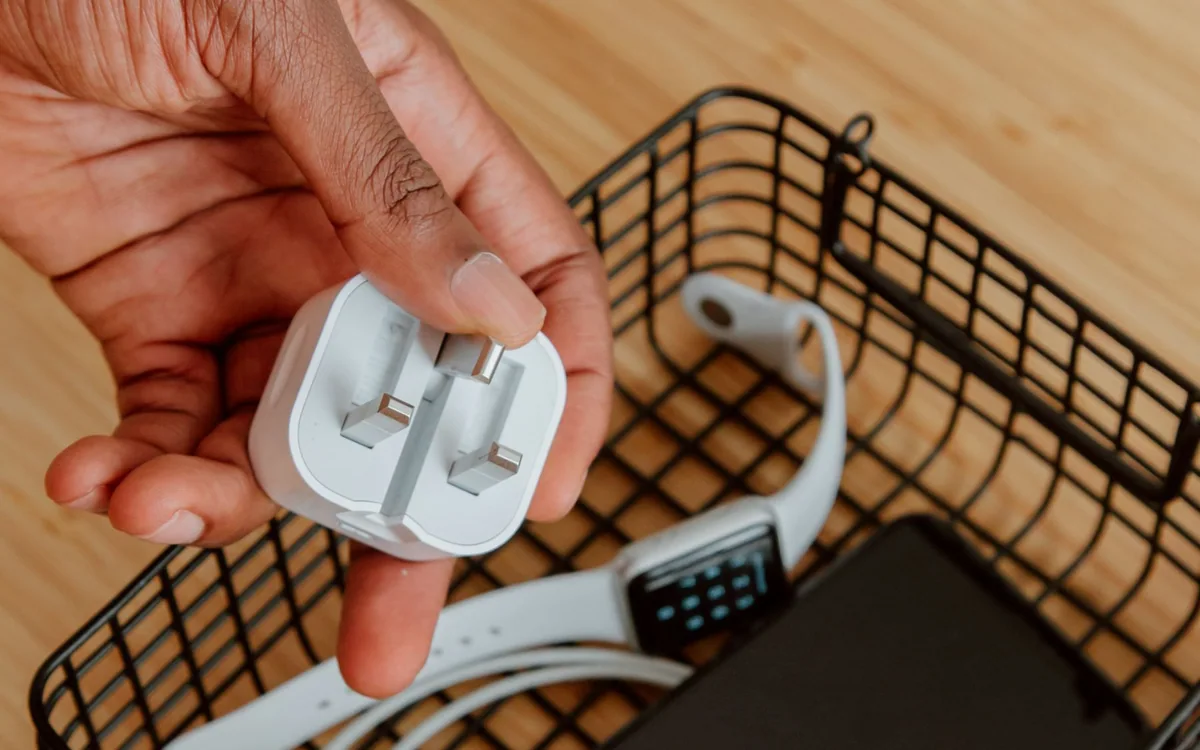
Apple’s 35W Dual USB-C Port Compact Power Adapter is a concrete example of an adapter designed to charge two devices. Its attraction is a second connection in a compact format. Treat the 35W budget as a modest shared resource, and confirm Apple’s device guidance rather than assuming it replaces a demanding laptop power supply.
Fit matters at the outlet as well as in the bag
A folding plug keeps metal prongs from scraping the other things in a pouch, but check the wall-facing shape too. A wide body can crowd a power strip; a long body can protrude into a walkway. On a train or beside a cafe bench, those details can matter more than a small reduction in charger weight.
Measure the tightest pocket in the bag and consider the connected cable’s bend. An adapter that technically fits may become inconvenient when the cable must be removed every time. For trips abroad, distinguish a plug adapter from voltage conversion, read the charger’s input label, and check the destination’s socket format before packing.
Buy the cable for the job
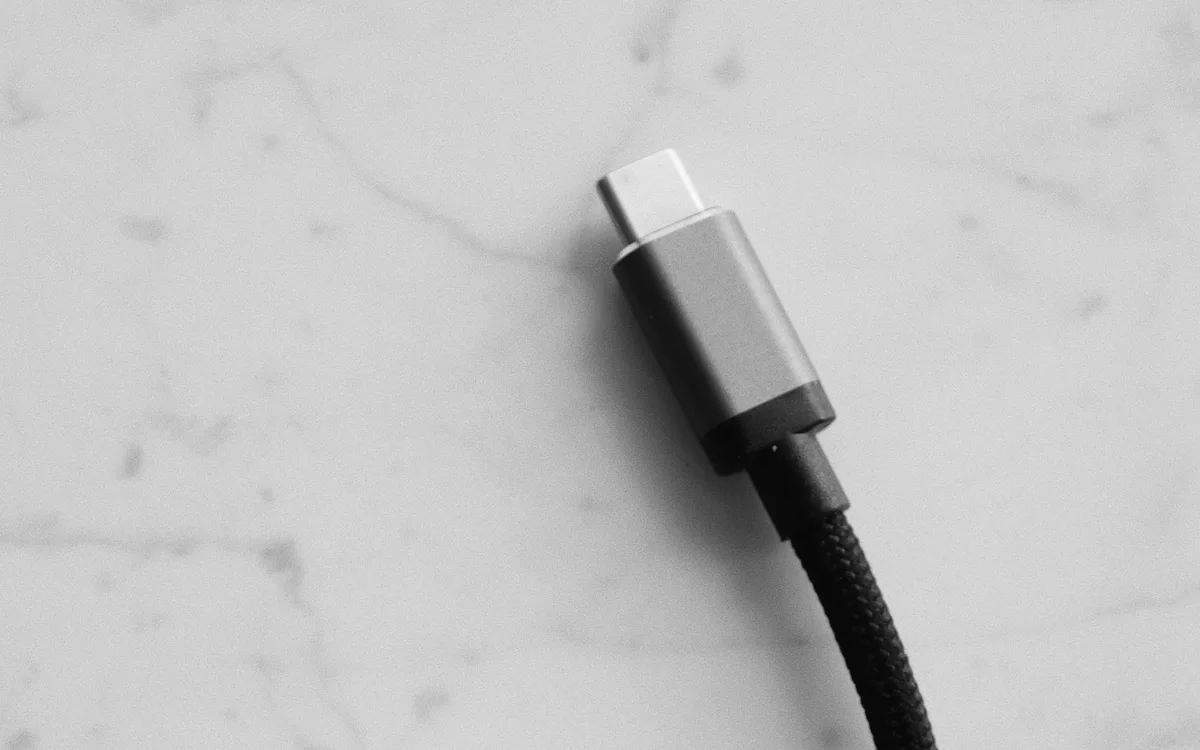
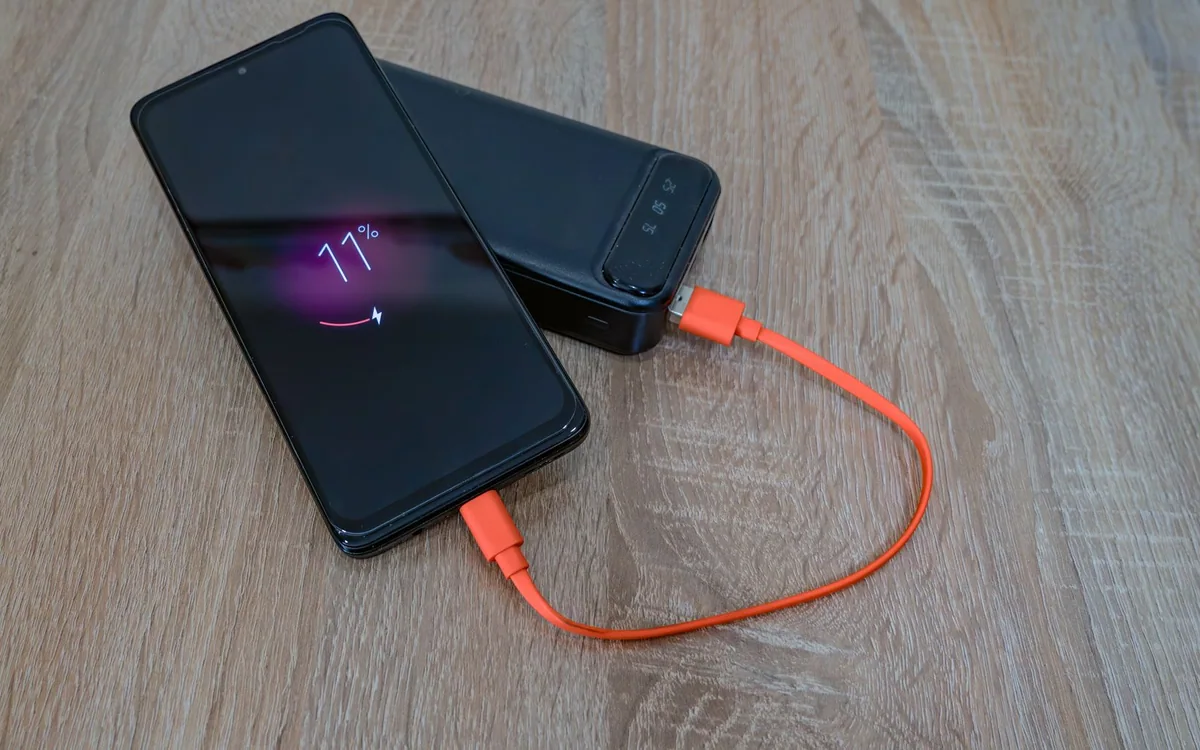
The cable is part of the purchase, even when it is sold separately. Choose ends that match the device: an older Lightning iPhone needs a different cable from a USB-C model. A short cable can reduce clutter at a tabletop outlet, while a longer one is useful when a socket is low behind a chair. Neither length is universally better.
Apple’s one-meter 60W USB-C Charge Cable illustrates another important distinction: its published specification supports charging up to 60W while data transfers run at USB 2 rates. That can be entirely reasonable for everyday charging. It does not make the cable a suitable substitute for a high-speed storage or display connection.
Spend on the inconvenience you want to remove
Choose a simple single-device arrangement when you usually charge one phone. Consider the Apple dual-port model when a phone plus a second small device is the recurring combination and its shared budget suits your needs. Choose more power only after confirming the laptop requirement and the multiport allocation. Keep the original laptop adapter if your workload needs it.
Before ordering, check the exact regional plug, whether a cable is included, the seller’s return terms, and the current price. Once it arrives, use the return period to connect your normal devices together and confirm the arrangement works at your usual desk. A tidy kit that you consistently carry is more useful than an impressive adapter left at home.
Common questions
Will a powerful USB-C charger force too much power into my phone?
A compatible charging system negotiates power with the device. Buy from an accountable manufacturer, use the correct cable, and follow the phone maker’s charging guidance rather than choosing by the largest wattage alone.
Do I need a new cable with a new charger?
Only if the existing cable has the wrong connector, is damaged, or does not meet the charging requirement. Check its published rating before replacing a cable that already does the job.
Sources & editorial notes
Manufacturer and support documentation checked for this guide. Features, regional availability, and prices can change. Our recommendations apply those documented features to everyday scenarios; they do not represent hands-on testing.
- Apple: 35W dual-port adapter · Checked 2026-10-19
- Apple: 60W USB-C cable specifications · Checked 2026-10-19
Found an error? Tell the editorial desk with the article link and a supporting source.