Use a Portable SSD for Family Photos Without Making It the Only Copy
Our buying advice is based on published specifications and documented features. The shop links below go to official stores and currently contain no affiliate tracking. Read our disclosure.
Gear to consider
Start with your use case. Check the store for the current price, compatibility, and availability.
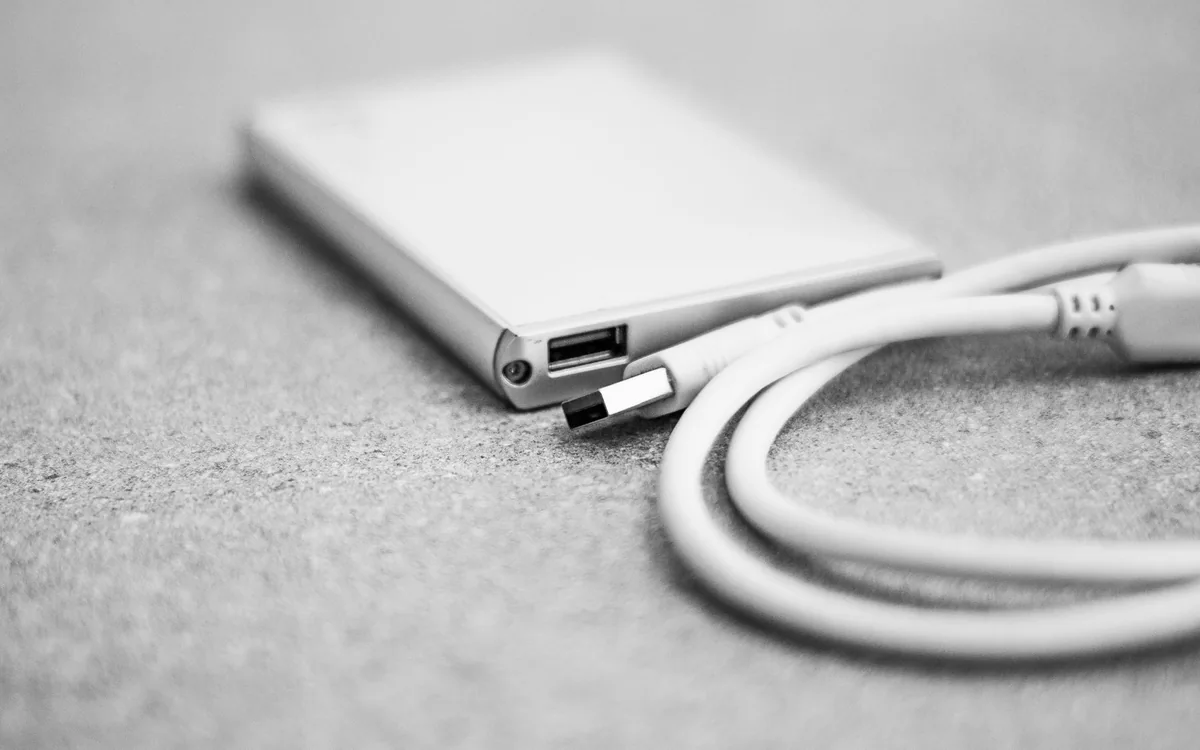
Family photos are scattered across two phones, an old laptop, and several message threads. Buying a small external drive feels like an immediate solution, but moving every file onto it and deleting the originals simply relocates the single point of failure. The useful goal is an organized library with copies you can verify.
A portable SSD can make that process convenient. Select it around capacity, compatibility, and the way the family will maintain the archive. This guide uses published storage specifications; it does not claim measured transfer speeds, drop tests, or lifetime reliability results.
| Decision | Prioritize | Avoid |
|---|---|---|
| Capacity | Library size plus growth | Filling the drive immediately |
| Connection | Supported host and data cable | Choosing by plug shape |
| Protection | Independent usable copies | Treating rugged as indestructible |
Decide whether the drive is working storage or a backup
Working storage is where you actively organize and edit files. A backup is another copy you can use if the working library is lost or damaged. One drive cannot provide both roles for the same files unless another independent copy exists elsewhere. Name the role before copying anything, especially if several family members will contribute pictures.
Keep a second independent copy and consider how one copy can be separated from the laptop and drive during travel or a household accident. A cloud service can contribute, but understand whether it synchronizes deletion or retains recoverable versions. The number of storage products matters less than whether a mistaken deletion or failed device leaves a usable copy.
Estimate capacity from the existing library
Check the size of the photo and video folders you already have, then account for expected additions. Long videos can change the storage requirement quickly. Leave room for sorting and future growth rather than filling a drive immediately. A tidy folder plan can help more than jumping to a huge capacity without understanding what is being archived.
Samsung’s T7 Shield is one portable SSD family to compare; the linked product is the 2TB variant. Confirm the exact capacity and model at checkout because a product family can contain several variants. Compare the current total price with the capacity you need, and include the cost of the second copy in the budget rather than spending everything on the first drive.
Check the computer, cable, and filesystem
The computer connection and cable help determine transfer performance. A USB-C connector alone does not establish a fast data path. Samsung publishes sequential read and write maxima of 1,050 and 1,000 MB/s for the T7 Shield listing; actual work depends on the host, connection, files, and other conditions. Treat those figures as product specifications rather than our measured results.
If the drive moves between operating systems, choose a supported filesystem with an understanding of its limitations. Formatting normally removes existing data, so confirm you are acting on the correct drive and have copies before changing anything. Direct phone use adds further power, filesystem, application, and model requirements. A computer-based archive can be easier to manage for a mixed-device household.
Copy in batches and inspect the destination
Create a simple folder structure by year and event, then copy a manageable batch. Open sample photos and videos directly from the destination, including recent recordings and older files. Check file counts or sizes as useful indicators, while recognizing that a successful copy message is not a complete integrity assessment. Keep originals until the additional copy is verified.
Avoid renaming and deleting everything in the same session. First gather the material, then organize, then remove genuinely unwanted duplicates only after backups are established. Document where the main library lives and who updates the other copy. A process another family member can follow is more durable than an elaborate personal folder system that nobody else understands.
Pay for portability without overestimating protection
Samsung lists an IP65 rating and a protective design for the T7 Shield. Those specifications can be useful when comparing portable drives, but they do not make the archive immune to damage, theft, cable problems, or accidental deletion. Keep the drive dry and protected in ordinary use, follow the manufacturer’s conditions, and eject it appropriately before disconnecting.
Once the archive is established, schedule a practical routine around an existing habit, such as importing pictures after each trip. Reopen a selection from the backup periodically and make sure another person knows how to retrieve the files. A moderately sized drive with a maintained second copy is a stronger family-photo purchase than an impressive specification paired with no recovery plan.
Common questions
Can I delete the photos from my phone after copying?
Verify the destination and another independent copy first, and understand your cloud service’s deletion behavior. Keep irreplaceable originals until you are confident the archive can be opened and restored.
Is a faster SSD a better backup?
Faster transfers can make maintenance easier, but speed does not establish backup quality. Independent copies, correct files, a clear update routine, and a successful retrieval check are the more important foundations.
Sources & editorial notes
Manufacturer and support documentation checked for this guide. Features, regional availability, and prices can change. Our recommendations apply those documented features to everyday scenarios; they do not represent hands-on testing.
- Samsung: T7 Shield 2TB specifications · Checked 2026-10-19
- Apple: USB-C iPhone external connections · Checked 2026-10-19
Found an error? Tell the editorial desk with the article link and a supporting source.