How to Choose a Phone Case for Everyday Drops and Busy Hands
Our buying advice is based on published specifications and documented features. The shop links below go to official stores and currently contain no affiliate tracking. Read our disclosure.
Gear to consider
Start with your use case. Check the store for the current price, compatibility, and availability.
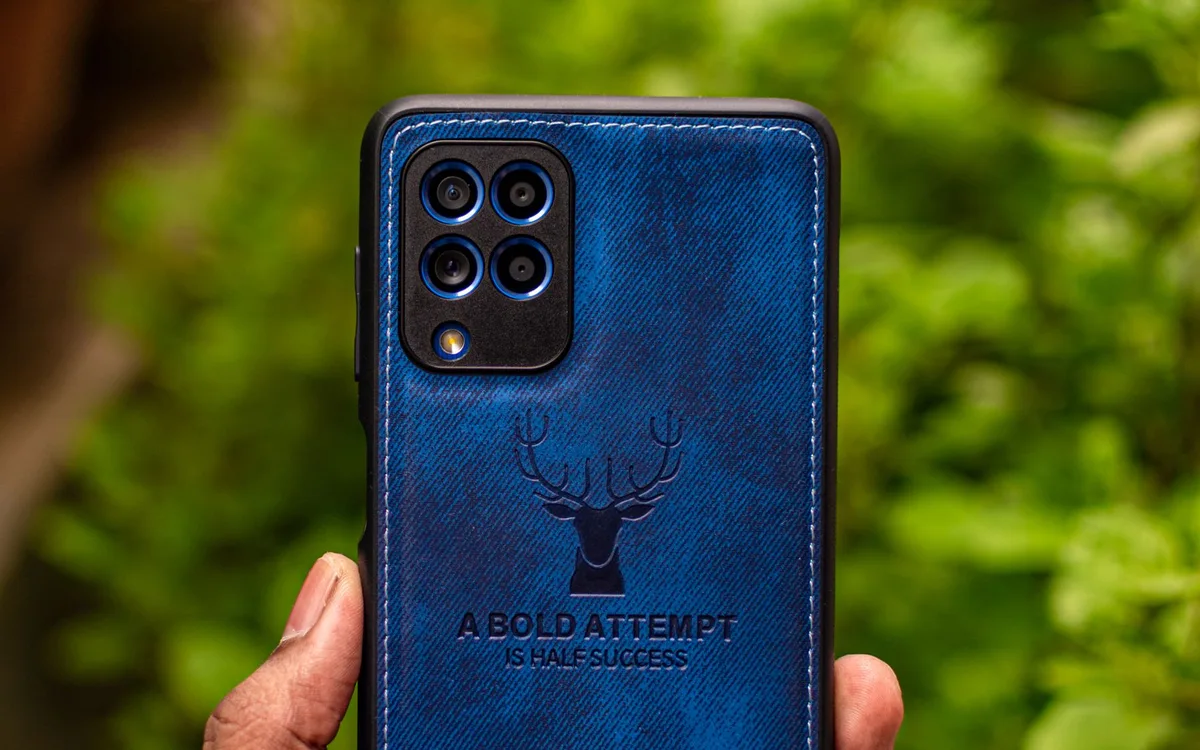
At the supermarket checkout, one hand holds a shopping bag and the other reaches for a phone to pay. A case that slides easily into a pocket may be difficult to hold; one with oversized corners may be secure but hard to retrieve. These tiny interactions happen far more often than a deliberate drop.
Case shopping is easiest when you work through fit and handling first. A manufacturer’s drop claim is useful context, but it does not guarantee that your phone survives every angle, surface, or accident. We have not performed destructive testing on the cases discussed here.
| Priority | Look for | Tradeoff to inspect |
|---|---|---|
| Easy handling | Texture and manageable width | Fabric drag |
| Magnetic accessories | Explicit model compatibility | Added thickness |
| Everyday protection | Secure corners and raised edges | Pocket and button access |
Match the exact model before comparing materials
Find the phone’s full model name in its settings and compare it with the case listing. Similar screen sizes do not establish compatibility. Camera bumps, side controls, microphone holes, and charging ports can move between generations and between standard, Plus, and Pro variants. A discounted case for a nearly identical phone can be money wasted.
Read the selected variant again immediately before checkout. Some stores combine several phone models on one page and change the photograph as you switch options. If you use a screen protector, check the case maker’s stated compatibility, especially around the screen border. A case pressing against the protector can create lifting that looks like a faulty protector installation.
Treat grip as part of protection
Consider how the phone feels when your hands are dry, when you pull it out of a jacket, and when you reach for the top corner. Textured sides may help handling, but texture can also collect pocket lint or catch fabric. A glossy back may be easy to wipe yet less comfortable to hold. Those are personal fit decisions, not universal material rankings.
Check whether the case gives your fingers enough purchase without forcing an awkward stretch. If the phone is already large for your hand, added width can undermine the benefit of a grippy finish. A strap or ring may suit some routines, but confirm how it affects charging, mounts, and the ability to set the phone down flat.
Understand what raised edges can and cannot do
A raised screen lip and camera surround can keep those surfaces away from a flat table. The benefit depends on the surface, the accessory stack, and how the phone lands. Gravel or a projecting object can still contact the glass. Keep grit out of the case, and inspect the fit periodically rather than assuming a protective shell is maintenance-free.
OtterBox’s Commuter Series for MagSafe for iPhone 16 provides a useful design example: the official listing describes a dual-layer build, textured sides, a port cover, raised edges, and integrated magnets. Those are verifiable construction features. Whether the resulting shape suits your pocket and hands remains a decision to make during the return period.
Check the whole accessory chain
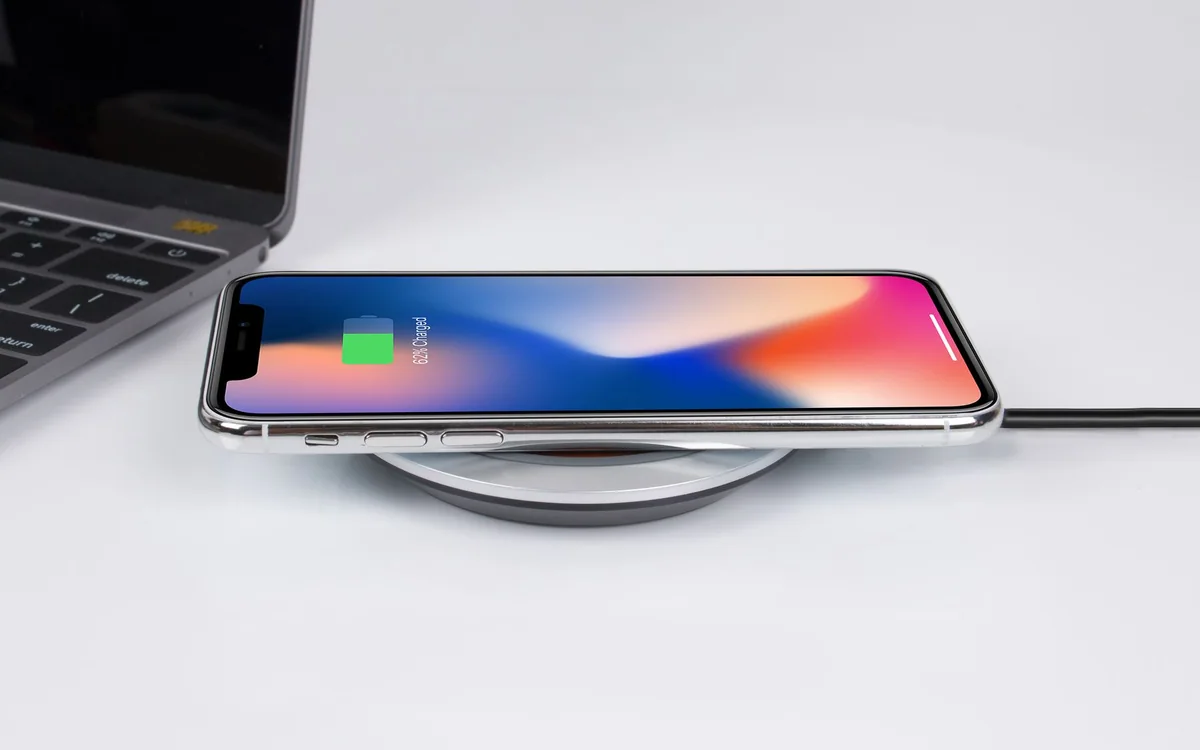
A thick case can change how a charging plug seats or how securely the phone fits a clamp. If you use a magnetic charger or battery, verify that the exact case supports the intended attachment. Do not assume a case merely described as wireless-charging compatible has magnets, or that all magnetic accessories attach with equal security.
Button feel matters too. A recessed opening may be fine for an occasional switch but frustrating for a camera control used several times a day. Check the case’s model-specific approach and try your normal gestures after installation. Connect your existing charging cable without forcing it; a connector that cannot seat fully deserves attention before daily use.
Choose a replacement schedule based on condition
A case can become loose, cracked, or permanently deformed even while the phone appears intact. After a significant impact, remove it carefully, inspect the corners and inner layer, and check for trapped debris. Replace a case that no longer holds its shape. Avoid treating cosmetic wear alone as proof of either excellent protection or imminent failure.
Compare the current price with the useful features you need: precise fit, reliable buttons, secure grip, and accessory compatibility. A clear return policy is valuable because comfort is difficult to judge online. A simpler case you can hold securely may be a better everyday choice than a bulky design bought solely for an impressive-sounding drop statistic.
Common questions
Does a rugged case make my phone waterproof?
No. Unless a product has a specific verified water-protection claim with conditions, treat it as a case for handling and impact protection. A port cover alone does not create a waterproof seal.
Should I buy a case before the phone arrives?
You can, provided the exact model is confirmed and the return window remains useful. Keep the packaging until you check fit, button operation, camera clearance, and charging with the phone in place.
Sources & editorial notes
Manufacturer and support documentation checked for this guide. Features, regional availability, and prices can change. Our recommendations apply those documented features to everyday scenarios; they do not represent hands-on testing.
- OtterBox: iPhone 16 Commuter Series for MagSafe · Checked 2026-10-19
Found an error? Tell the editorial desk with the article link and a supporting source.