The Indoor Camera Privacy Checklist to Use Before Checkout
Our buying advice is based on published specifications and documented features. The shop links below go to official stores and currently contain no affiliate tracking. Read our disclosure.
Gear to consider
Start with your use case. Check the store for the current price, compatibility, and availability.
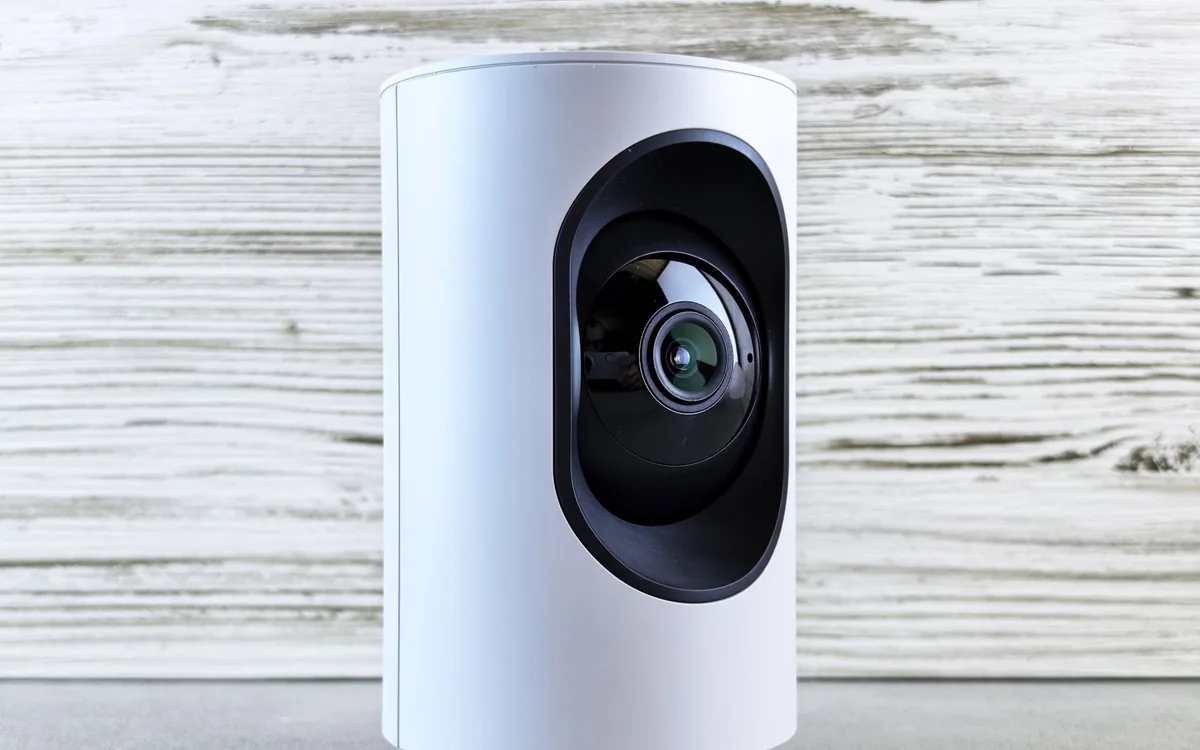
You want to check whether the dog is settled while you are away. The obvious purchase is a small indoor camera, but its view may also include the kitchen table, visitors, and everyone who passes through the room. A useful convenience can quietly become more recording than the household intended.
Before comparing resolution, decide what information you need and what should stay private. That decision helps you choose between a camera, a sensor, or simply a better routine for checking in.
| Question | Video needed? | Consider |
|---|---|---|
| Is the door open? | Usually no | An appropriate contact sensor |
| Is the pet settled? | A picture can help | One narrowly framed camera |
| Who can watch while we are home? | An access-policy question | Presence settings and clear controls |
Define the minimum useful view
Describe the task precisely: see the dog bed while you are out, confirm the back door is closed, or receive an alert when a room is occupied. If an open/close sensor answers the question, you may not need video at all. A camera adds image storage and household-access decisions that a simpler sensor can avoid.
If you do need a picture, choose a common area and angle that excludes bedrooms, bathrooms, neighbors' windows, and unnecessary workspaces. Tell the people who use the space what the camera sees and when it operates. Do this before installation, including for regular visitors or people working in the home. Agreement about the purpose is more valuable than an elaborate privacy settings menu.
Follow the recording path from lens to playback
Compare live viewing, event detection, stored clips, and continuous recording as separate functions. Find out where each is processed or stored, which account controls it, and whether a paid service is required. A local-storage option does not automatically describe every other feature. Conversely, an encrypted cloud workflow still requires careful account and access management.
Eve Cam uses Apple's HomeKit Secure Video workflow. Its official documentation describes the Apple home hub and iCloud+ requirements for recording. That may fit a household already using Apple Home, but it is a substantial ecosystem choice for somebody starting from Android or expecting a generic memory-card camera. Buy for the whole workflow rather than a single privacy slogan.
Make absence and presence behave differently
Decide what should happen when someone returns home. Do you want streaming disabled, recording disabled, or both? These are different settings in many systems. Read the chosen platform's controls and verify them with another household member's account. A camera icon disappearing from one phone does not prove every recording or viewing path has stopped.
For a particularly private period, a physical power disconnection can provide an obvious fallback, provided nobody relies on the camera for a critical task. A product with a documented physical privacy control may be preferable for your household. Do not place a camera where turning it off would itself be difficult or where its status is easy to misunderstand.
Treat account access as part of the purchase
Use separate authorized access where the platform supports it instead of sharing the administrator's password. Review who can view live video, play recordings, export clips, and change settings. Turn on the account's available security protections and keep device software current. Remove old access when a roommate moves out or a temporary helper no longer needs it.
A sensible retention period limits the amount of household footage you accumulate. Keep only the clips that serve a clear purpose, and understand how deletion and exports work. If the product's current terms or app make these basic questions hard to answer, that uncertainty is a reason to compare another option rather than overlook it for a lower purchase price.
Check everyday usability before expanding coverage
A pet camera has to see the pet's usual resting area without being easily knocked over or leaving a chewable cable exposed. Consider power-socket location, reflections, and the route of the cord. Eve Cam is USB-powered, so this is a placement and cable-management decision as well as a wireless one. No specification sheet can establish the safest position in your particular room.
Start with one camera and a modest alert setup. Too many notifications can make an important event harder to notice. Skip indoor cameras if household members are uncomfortable or if the task can be solved without images. This guide is a privacy-oriented buying framework, not a security assessment or evidence that a camera guarantees protection.
Common questions
Does Eve Cam work like a generic Android camera?
Its documented workflow centers on Apple HomeKit Secure Video. Check all current Apple device, home-hub, and service requirements before buying.
Is local storage automatically private?
No storage label replaces access controls, secure accounts, software updates, and an appropriate camera angle. Examine the complete viewing and recording path.
Should I record continuously?
Only if the task justifies it and the household agrees. Event clips or live checks may answer the question with less footage.
Sources & editorial notes
Manufacturer and support documentation checked for this guide. Features, regional availability, and prices can change. Our recommendations apply those documented features to everyday scenarios; they do not represent hands-on testing.
- Eve Cam official privacy, power and HomeKit Secure Video requirements · Checked 2026-10-19
Found an error? Tell the editorial desk with the article link and a supporting source.